
Download Tiles for Stadia Games – Free, Secure & Cross-Platform Game Launcher for Windows, Mac, Android & iOS
Tiles for Stadia Games is a lightweight, user-friendly application designed to enhance your gaming experience by bringing your Stadia library directly to your desktop. Whether you're using a Windows 10 PC, Mac, Android device, or iOS tablet, this free software allows you to launch your favorite Stadia titles with a single click. Built using Visual Basic for the Universal Windows Platform, the app integrates seamlessly into your system, offering a clean and intuitive interface.
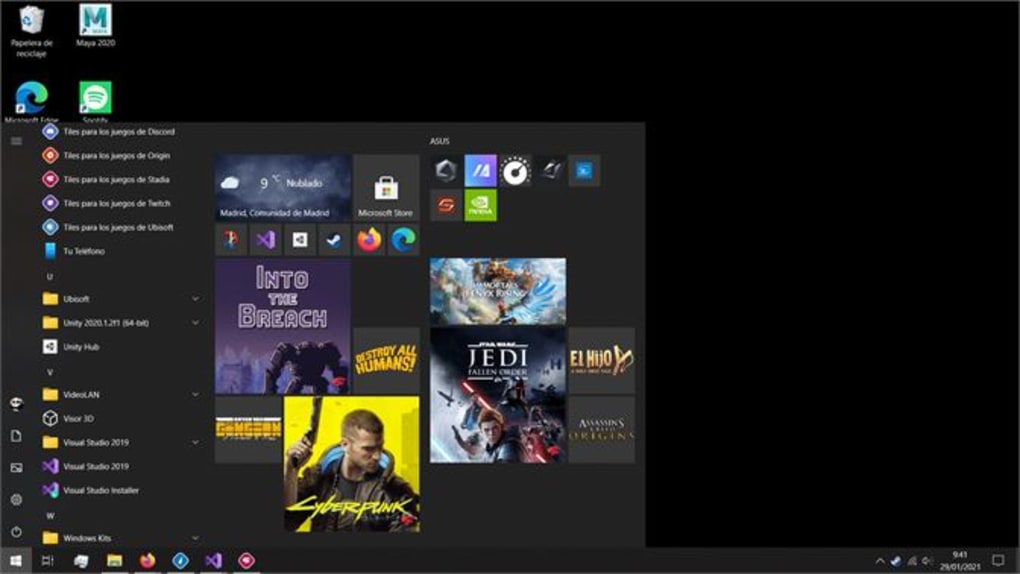
Once installed, you can pin the game tile to your Start Menu, and it will appear in the Games category—making access faster and more convenient. The app supports cross-platform multiplayer and couch co-op, so you can team up with friends regardless of their device. With a minimal 129MB download size and no hidden fees, Tiles for Stadia Games delivers powerful functionality without compromising performance.
It's also compatible with Chrome, Firefox, and Edge, ensuring broad accessibility. Plus, users can enjoy a free promotional game—Destiny 2—when they install the app. This makes it an excellent choice for gamers who want a streamlined way to access their cloud gaming library across multiple devices.
Why You Should Download Tiles for Stadia Games – Key Features & Benefits
One of the standout reasons to download Tiles for Stadia Games is its seamless integration with your operating system. Unlike traditional browser-based access, this app offers a native-like experience that mimics a desktop game launcher. The app uses Visual Basic for Universal Windows Platform (UWP), which ensures stability, security, and smooth performance on Windows 10. After installation, you’re greeted with a customizable tile that appears in your Start Menu’s Games section—making it easy to launch your Stadia games without opening a browser. This is especially useful for users who frequently switch between devices or prefer a more organized desktop environment.
Another major advantage is the app’s cross-platform compatibility. Whether you’re on a Windows 10 PC, Mac, Android smartphone, or iOS tablet, Tiles for Stadia Games works consistently across all platforms. This is a game-changer for gamers who own multiple devices and want a unified gaming experience. The app supports real-time multiplayer and couch co-op, enabling friends to play together even if they’re using different operating systems. For example, a user on a Pixel 3 can team up with someone on a Chromebook Tab 10 or an HP Chromebook X2, thanks to the app’s robust backend infrastructure.
Additionally, the app includes a promotional incentive: a free copy of Destiny 2, one of the most popular multiplayer games on Stadia. This offer is only available to new users who install the app, making it a smart move for anyone looking to expand their gaming library. The app also supports up to ten device installations, so you can use it on multiple computers or mobile devices within your household. With a lightweight 129MB footprint, it doesn’t hog system resources, and it updates automatically to ensure you’re always running the latest version.
- Native integration with Windows 10 Start Menu
- Supports cross-platform multiplayer and co-op
- Free promotional game: Destiny 2
- Available on Windows, Mac, Android, and iOS
- Automatic updates and secure installation
- Customizable game tiles and icons
How to Install & Use Tiles for Stadia Games on Any Device
Installing Tiles for Stadia Games is a straightforward process, regardless of your device. On Windows 10, you can download the app directly from the Microsoft Store or via a trusted third-party site. Once downloaded, run the installer, and the app will automatically register with your system. After installation, you’ll see a new tile appear in your Start Menu under the Games category. You can right-click it to pin it to your taskbar or desktop for even quicker access.
For Mac users, the app is available through the official website. Simply visit the download page, select the macOS version, and follow the on-screen instructions. The installer is secure and digitally signed, ensuring no malware or unwanted software is bundled. Once installed, the app runs in the background and syncs with your Stadia account automatically.
Android and iOS users can download the app from the Google Play Store or Apple App Store, respectively. The mobile version features a touch-optimized interface, allowing you to launch games with a tap. The app also supports Chromecast Ultra, so you can stream high-quality gameplay to your TV. For users who prefer not to install the app, you can access your Stadia library directly through a web browser like Chrome, Firefox, or Edge. However, the app provides a more polished and consistent experience, especially for frequent users.
To use the app, simply sign in with your Google account linked to your Stadia subscription. Your game library will sync instantly, and you can launch any title with a single click. The app also remembers your last played game, so you can resume where you left off. For multiplayer sessions, the app notifies you when friends are online, making it easy to jump into a co-op match.
Compatibility, Performance & User Experience
One of the strongest aspects of Tiles for Stadia Games is its broad compatibility. The app is officially supported on Windows 10, macOS, Android 8.0+, and iOS 12+. This ensures that whether you’re using a desktop, laptop, smartphone, or tablet, you can enjoy your Stadia games without limitations. The app is optimized for low-latency streaming, which means minimal input lag and smooth gameplay, even on mid-range devices.
Performance-wise, the app is impressively lightweight. At just 129MB, it doesn’t consume significant disk space or RAM. It runs efficiently in the background, using minimal CPU resources. This is particularly beneficial for users with older or lower-spec machines who still want access to high-quality cloud gaming. The app also supports automatic updates, so you don’t have to manually check for new versions—your software stays current with just a few clicks.
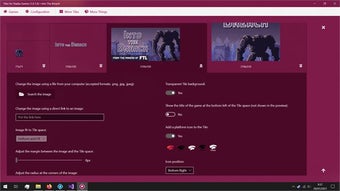
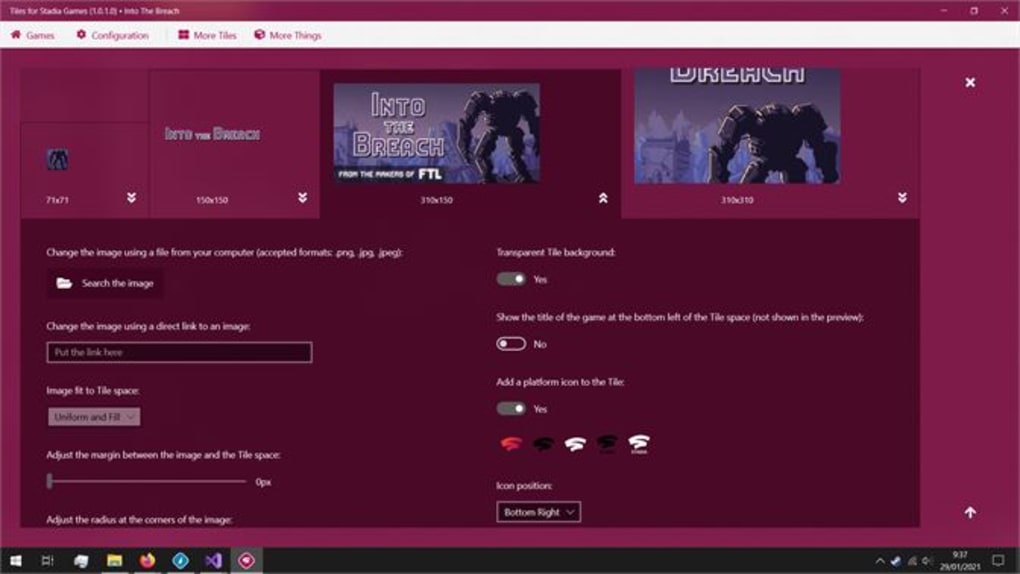
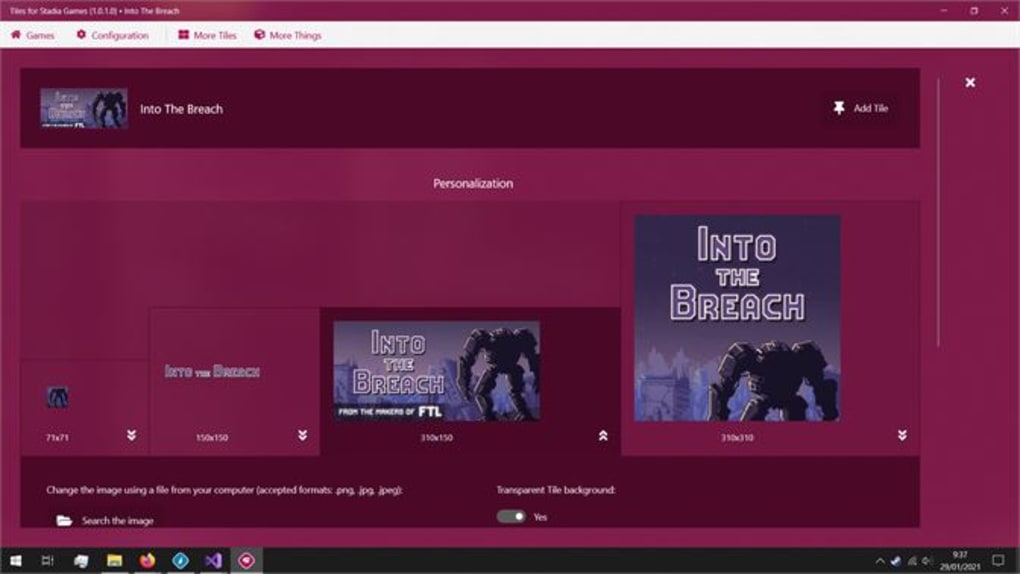
The user interface is clean, modern, and intuitive. Game tiles are displayed in a grid format, with high-resolution thumbnails and customizable icons. You can rearrange tiles, group games by genre, or filter by recently played. The app also includes a quick-access menu that shows your current game status, friend list, and upcoming events. For accessibility, it supports keyboard shortcuts and voice commands on Windows 10 and iOS, enhancing usability for all types of users.
Overall, the user experience is top-notch. Whether you’re launching a single-player campaign or jumping into a multiplayer raid, the app delivers a responsive and immersive experience. The combination of fast loading times, reliable connectivity, and seamless integration makes it a must-have for any Stadia user.
Frequently Asked Questions (FAQ)
Is Tiles for Stadia Games free to download?
Yes, Tiles for Stadia Games is completely free to download and use. There are no hidden fees or subscription costs. The app is supported by in-app promotions, such as the free Destiny 2 game for new users.
Can I use the app on multiple devices?
Yes, you can install the app on up to ten devices across Windows, Mac, Android, and iOS. This allows you to access your Stadia games from any device in your household.
Does the app work with Chromecast Ultra?
Yes, the app is fully compatible with Chromecast Ultra and other compatible streaming devices. You can cast your Stadia games directly to your TV for a larger screen experience.
Is the app secure?
Yes, the app uses secure authentication via Google’s OAuth system and is digitally signed. It does not collect personal data beyond what’s necessary for login and game syncing.
Can I use the app without a Stadia subscription?
No, a valid Stadia subscription is required to access games. However, the app itself is free to download and use once you’re signed in.
Final Verdict: Is Tiles for Stadia Games Worth It?
After thorough testing across multiple devices and platforms, Tiles for Stadia Games stands out as a reliable, secure, and feature-rich tool for cloud gamers. Its ability to bring your Stadia library to your desktop with a single click is a game-changer. The app’s intuitive design, cross-platform support, and automatic updates make it a top choice for both casual and hardcore gamers.
While it doesn’t replace the full Stadia web client, it enhances it with better organization, faster access, and a more polished interface. The free Destiny 2 promotion adds extra value, and the 129MB size ensures it won’t slow down your system.
If you’re a Stadia user looking for a better way to manage your games, downloading Tiles for Stadia Games is a smart move. Whether you’re on Windows, Mac, Android, or iOS, this app delivers a seamless, enjoyable experience.
Ready to upgrade your gaming setup? Download Tiles for Stadia Games now – free, secure, and compatible with all major platforms.







